.svg)
Afternoon
A patch is released
Game Update picks it up as soon as it’s out. No one tracks patch news or plans a shift around it.

Install and update Steam, Epic Games, and Riot Games titles on every PC in your gaming center, from one admin panel.
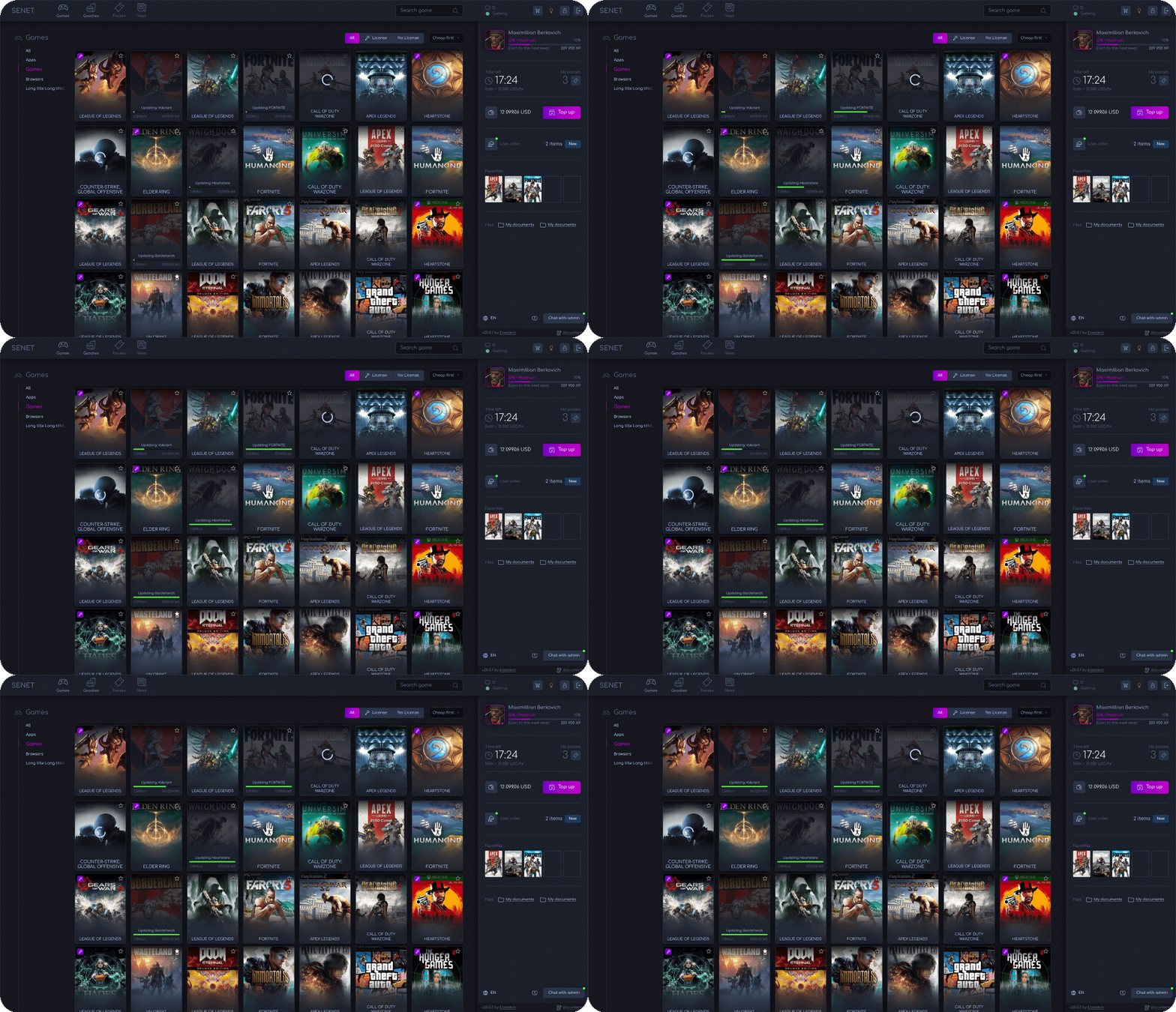
Choose how Game Update works for you: automate updates in the background or launch them manually when the timing is right. Here’s how automatic mode handles a busy patch day:
Afternoon
Game Update picks it up as soon as it’s out. No one tracks patch news or plans a shift around it.
In the background
Online stations download and install the update in the background. Active sessions keep running: whoever is playing or working keeps going.
Peak hours
No update screens, no waiting. The same flow works for a gaming center, an education classroom, or a coworking.
Set up games once, control where they are available, and manage access without configuring every PC separately.
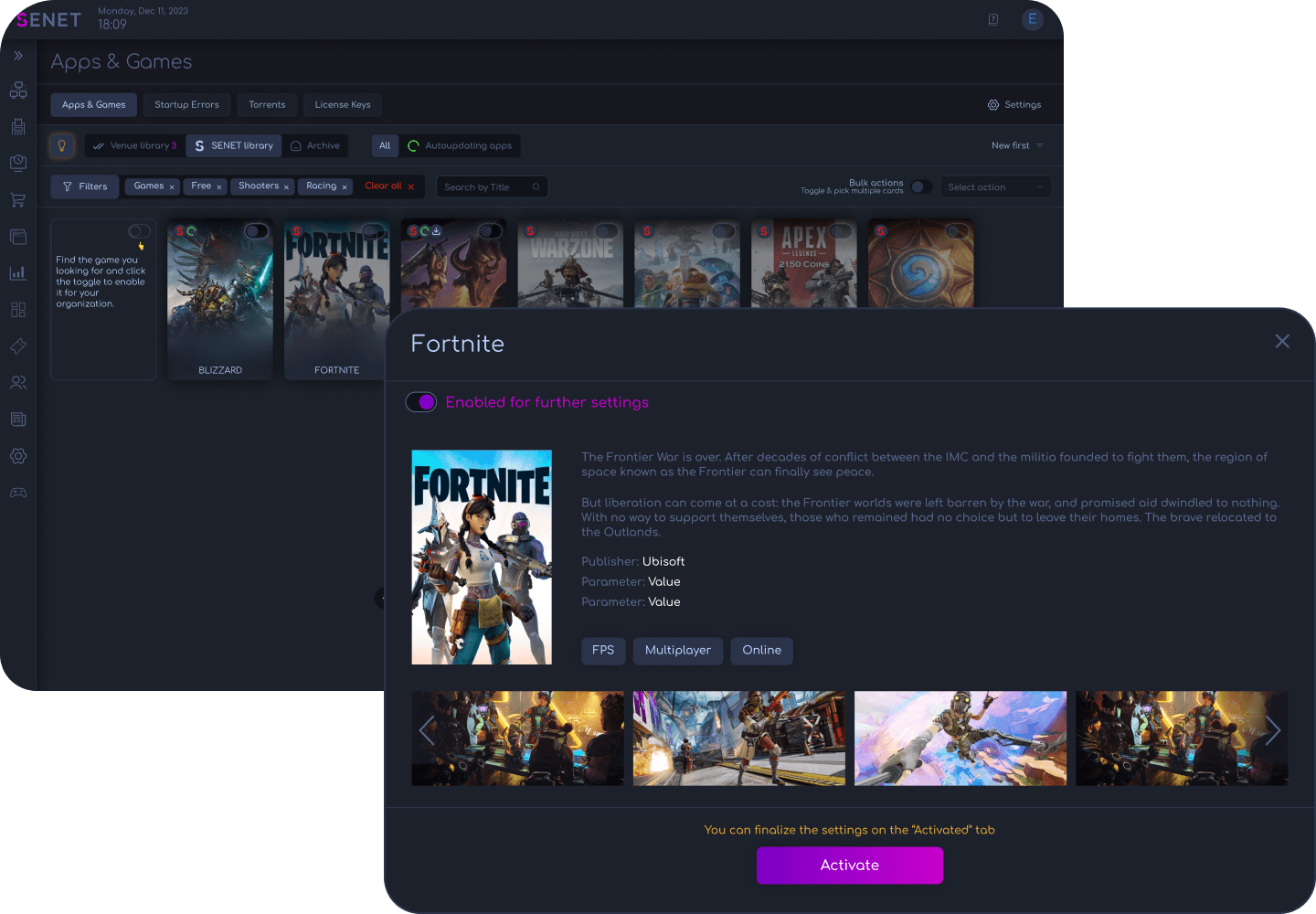
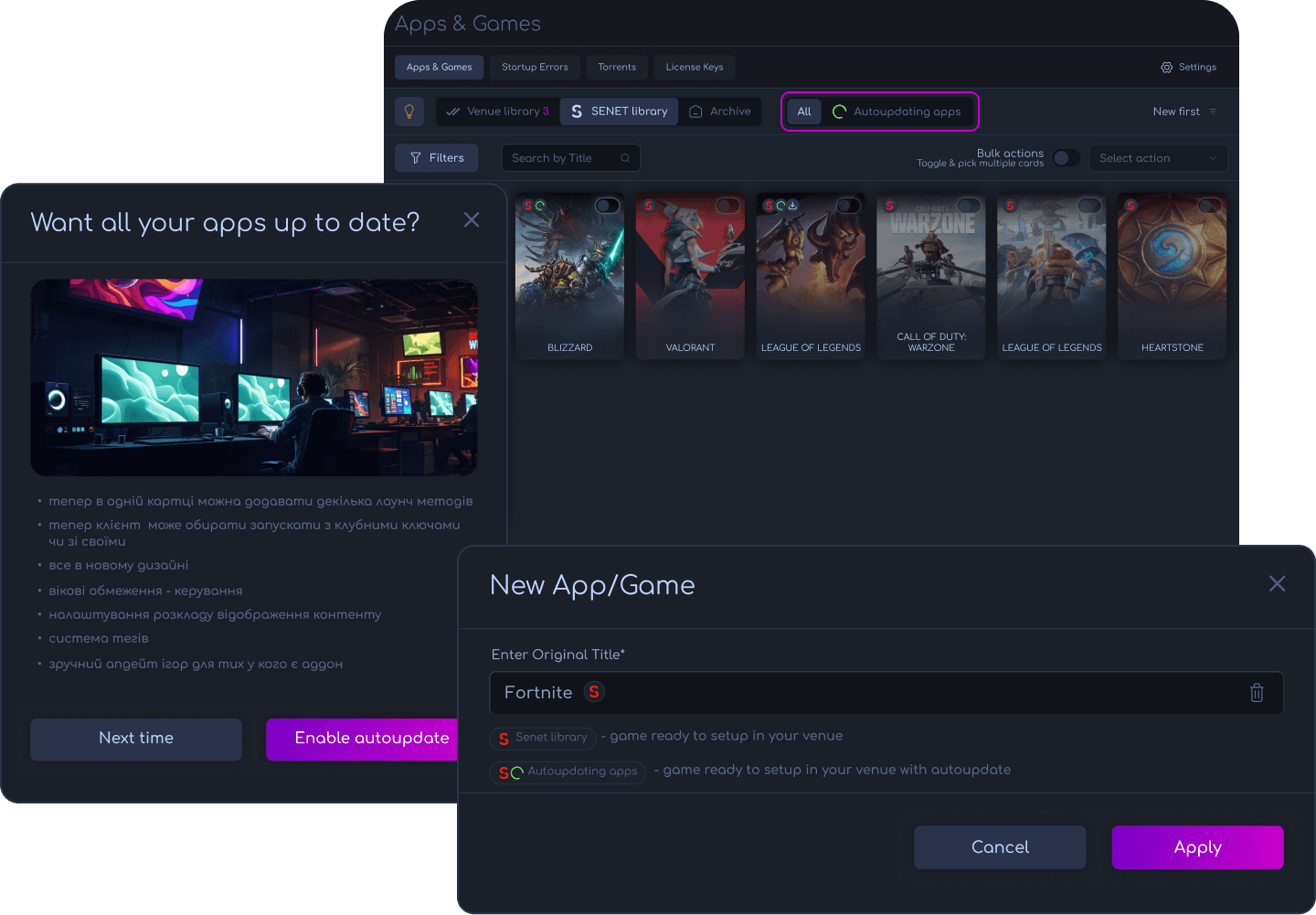
Handle patches automatically or take manual control when needed, without turning game maintenance into a daily staff task.
SENET integrates with the popular gaming platforms your venue already runs. Game Update takes three of them further, with native centralized updates.
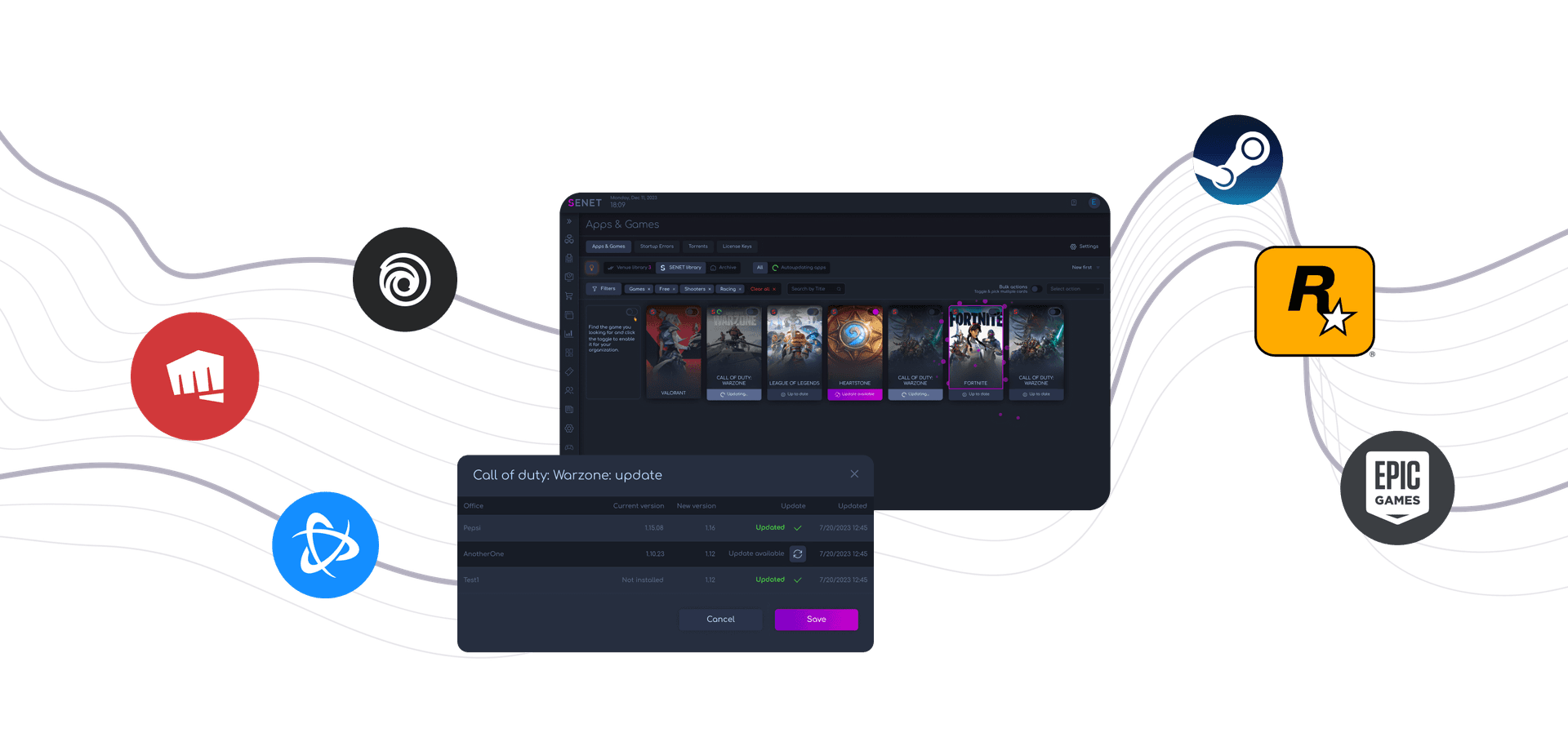
Origin, Battle.net, Ubisoft Connect, and Rockstar Games for launching titles and managing platform accounts.






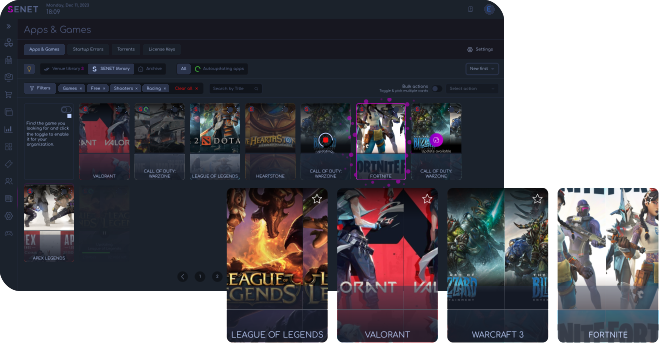
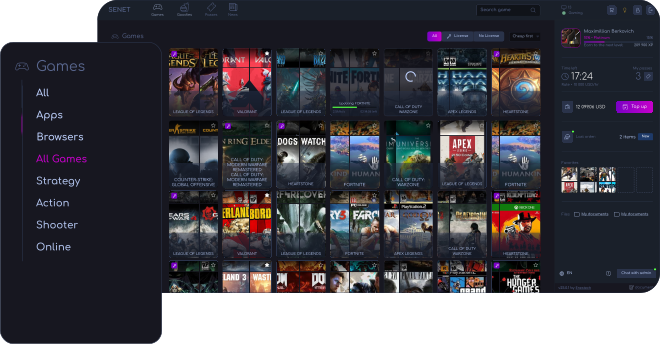
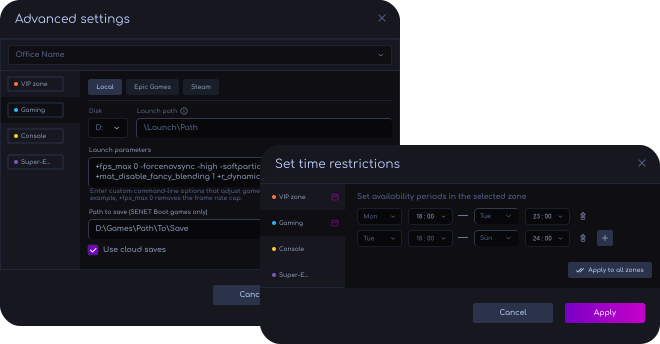

Updates install on each station in the background. Automatic mode has its own on/off toggle for disk-based PCs.

Games are installed and updated inside the image automatically. No manual image editing, no Superuser mode.

PCs boot Windows from local drives, while games are stored and updated centrally through the SENET Boot server for the whole zone. Fits mixed PC configurations.
Apps & Games → Settings → Enable Game Update, then add your Steam and Epic install paths.

Contact SENET support. Our team completes the additional technical setup and confirms.

Add Steam and Epic account licenses to the License pool, and Game Update is ready to run.
Yes. Game Update can automatically keep supported games up to date in the background. You can also run updates manually whenever you want more control over timing.
Yes. You can run updates across all PCs or target specific locations, zones, or individual PCs.
Yes. Supported games can be installed remotely from the SENET admin panel, so staff do not need to configure every PC individually.
Yes. Game cards can be configured with restrictions by zone, time, age, and user type. You can also adjust advanced launch and availability settings for individual games.
Yes. You can configure shared game accounts and license access for supported platforms, assign them to specific games, or allow customers to sign in with their own accounts.