.svg)

High hardware costs
every PC needs its own drive, draining your budget

Cloud-controlled booting that accelerates every PC, prevents software drift, and eliminates routine maintenance.
every PC needs its own drive, draining your budget

wasting staff hours across dozens of PCs

malware and unwanted changes putting systems at risk
A diskless system lets PCs run without hard drives. Instead, they boot directly from a server or the cloud. Every session starts clean, fast, and ready with no clutter, no downtime.

Fewer SSDs power all PCs

Updates done once, applied everywhere

PCs last longer, perform better

Run every modern game and anti-cheat with ease

No compatibility issues, no wasted FPS, no headaches

Native Windows 11 + SecureBoot support built in
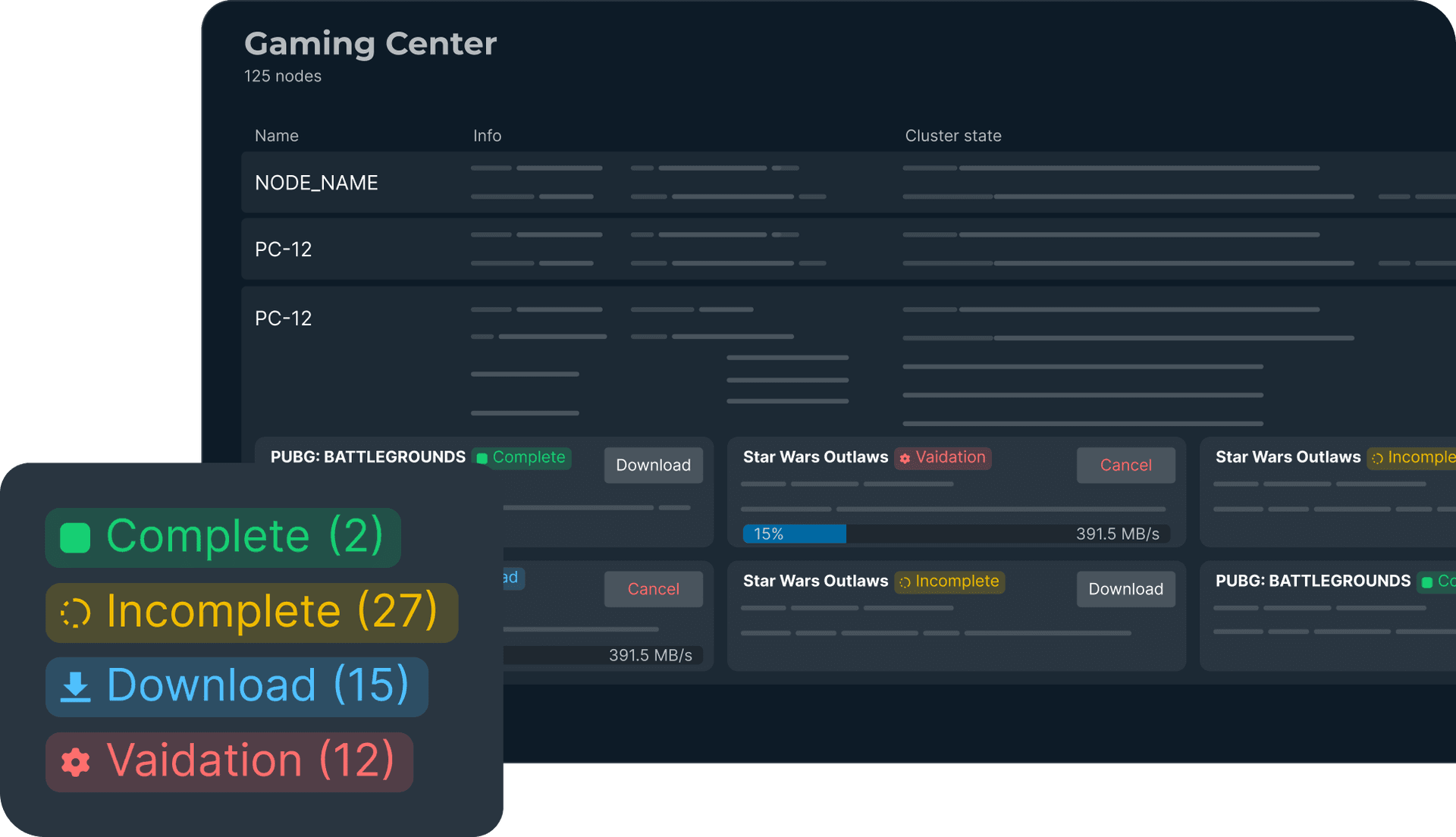
Automatic Content Updates & Saved Progress

Build your game library once, then push it everywhere automatically

All updates, patches, and new releases download in the background

Gamers sit down and play instantly. No waiting, no frustration

And yes, even single-player saves follow your customers from PC to PC
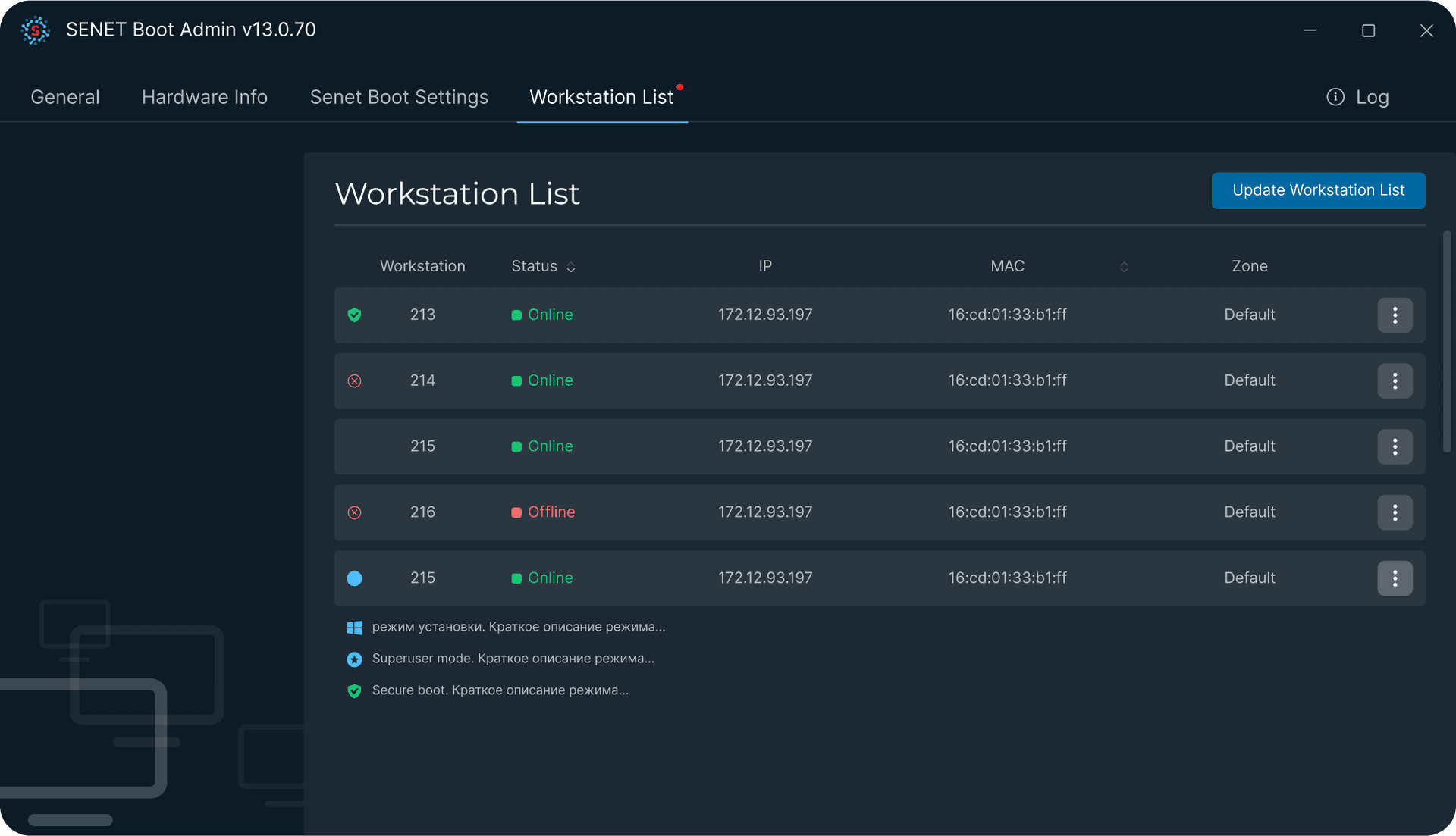
Keep every session smooth, secure, and adaptable to your needs

Viruses, hacks, or unwanted files? Gone at every reboot

Our monitoring team spots risks before they hit your gaming space

With remote access and IPKVM, SENET support can fix issues instantly, with no tech skills required from your staff
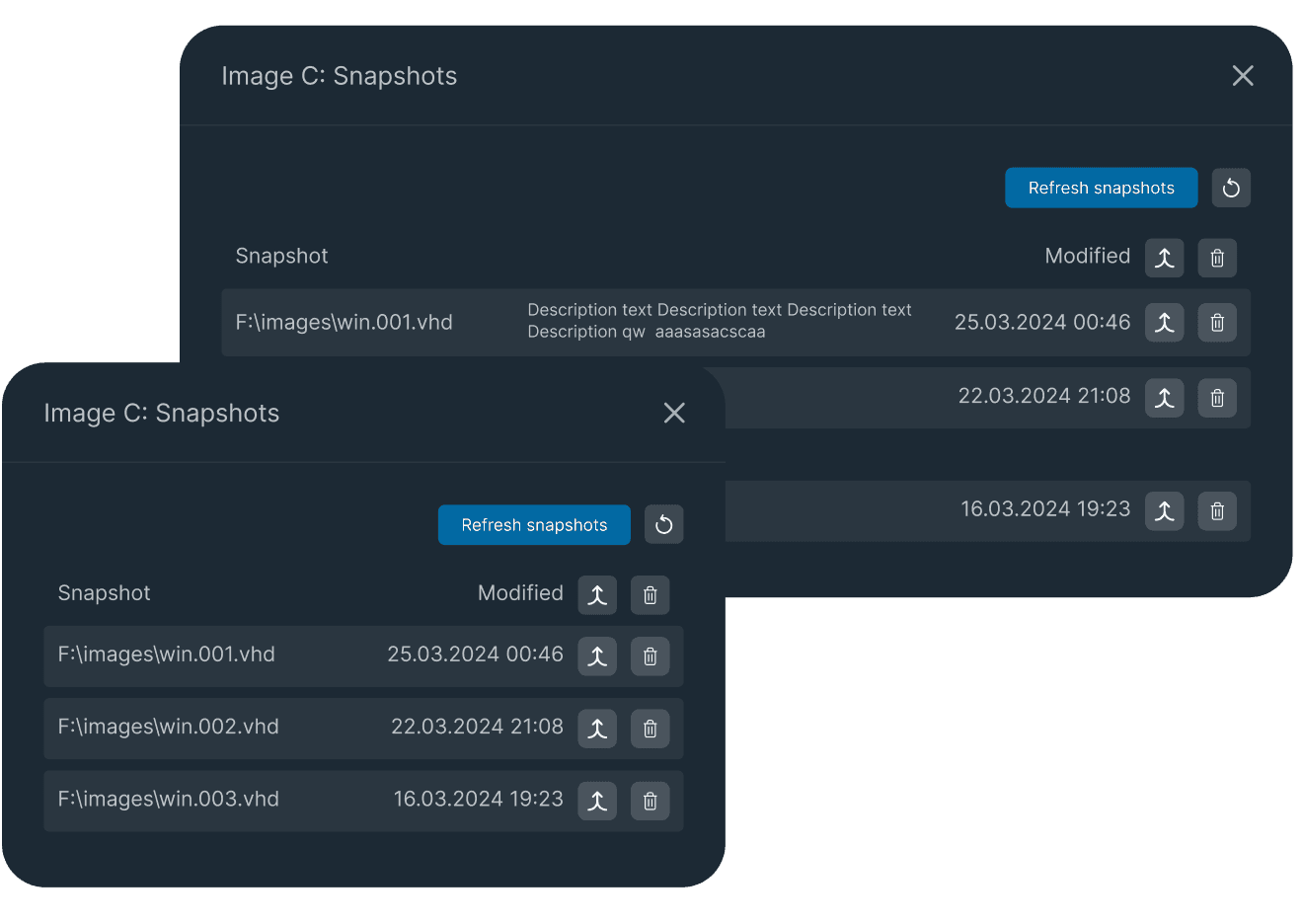
Keep every session smooth, secure, and adaptable to your needs

Every session begins with a clean system for maximum performance

No clutter, no lag, just smooth gameplay and highest FPS every time

Smart snapshot management keeps your PCs stable, fast, and reliable


* Software installation may take 1-2 additional days depending on your setup
Rely on expert help and modern protection standards
Full setup, game and software validation within a couple of days

No servers or complicated configs, it's simple and convenient

You're never on your own, our team is always here to help

SENET Boot is fully connected to the SENET ecosystem, everything just works
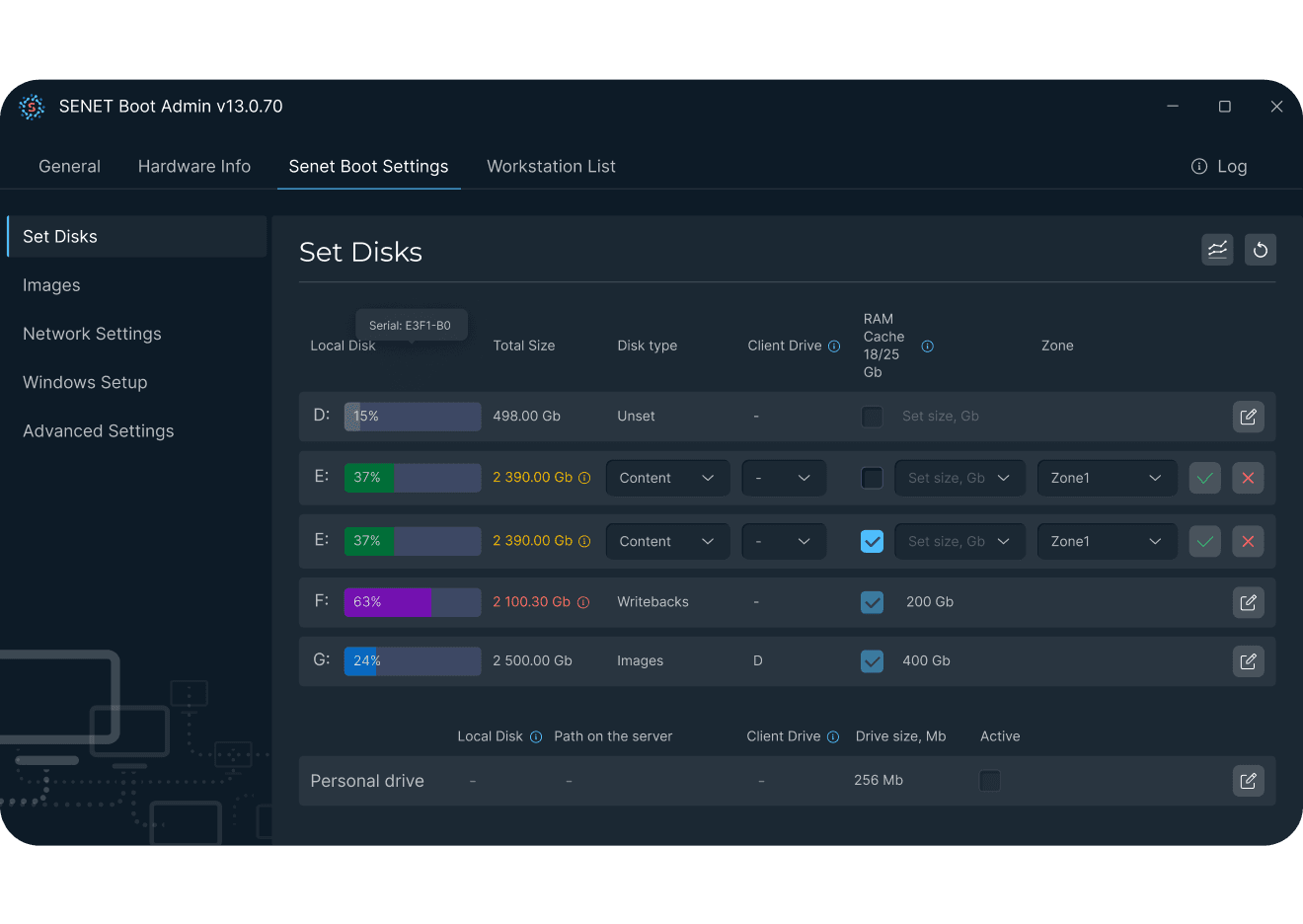
Every esports center is unique and SENET adapts to your needs with local, diskless, and hybrid solutions
Easy start with minimum investment. All games and content run as designed by vendors. Maximum performance.
.png&w=1920&q=70)
Centralize management, clear and secure image for each user.
.png&w=1920&q=70)
Reduce network load but save the space on local drive (SSD) from big content.
.png&w=1920&q=70)
When we need to isolate small or very performance sensitive zones but want to have same management solution.
.png&w=1920&q=70)
When we have same PC for study and use and want fully to separate this process. No SENET Shell during education sessions.
.png&w=1920&q=70)
Explore the pros and cons of each solution in one view
| Feature | Local Drive | DisklessBest choice | Hybrid | Mixed | Dual Use |
|---|---|---|---|---|---|
| Best for | Small gaming centers | Modern gaming centers, any size | Spaces with heavy content | Esports centers with performance-sensitive zones | Schools & universities |
| Setup required | Local SSD for each PC | Server with content and clean SENET Shell on PCs | Simple SSD on each PC to store OS + SENET Boot server for heavy content | Part of PCs with local SSD, others boot from SENET Boot. | Local SSD for study, SENET Boot for gaming after reboot. |
| Setup cost | Low start but High scaling | Medium no drives needed | Medium | Medium | Medium |
| Performance | Max at start, then slows down | Always clean & fast | Balanced & flexible | High in isolated zones | Study stable, gaming optimized |
| Updates | Manual PC by PC | Centralized one click | Centralized one click | Mixed | Mixed |
| Security | Vulnerable to malware | Clean reboot, secure | Clean reboot, secure | Controlled, some risk | Controlled, some risk |
Find answers to your questions about our SENET Boot diskless system.
You don’t need any special or expensive hardware. SENET Boot can be installed on a standard server or even in the cloud. Our specialists help with setup, configuration, and optimization so your system is ready to go in just a couple of hours
Disk systems store Windows, games, and other files locally on each PC. Diskless systems boot all PCs from a centralized server, so updates and system changes are managed from one place. Hybrid setups combine both approaches, letting you use local storage where needed while managing the rest through SENET Boot.
Yes. SENET Boot does not lock you into one infrastructure setup. If you decide to return to local drives or another configuration, your team can switch back.
A basic setup takes 2–3 hours. A full system, game, and software check usually takes 1–2 days, depending on the configuration.
SENET Boot includes technical support, setup assistance, system monitoring, and optimization recommendations. Our team stays available to help keep your infrastructure running reliably.