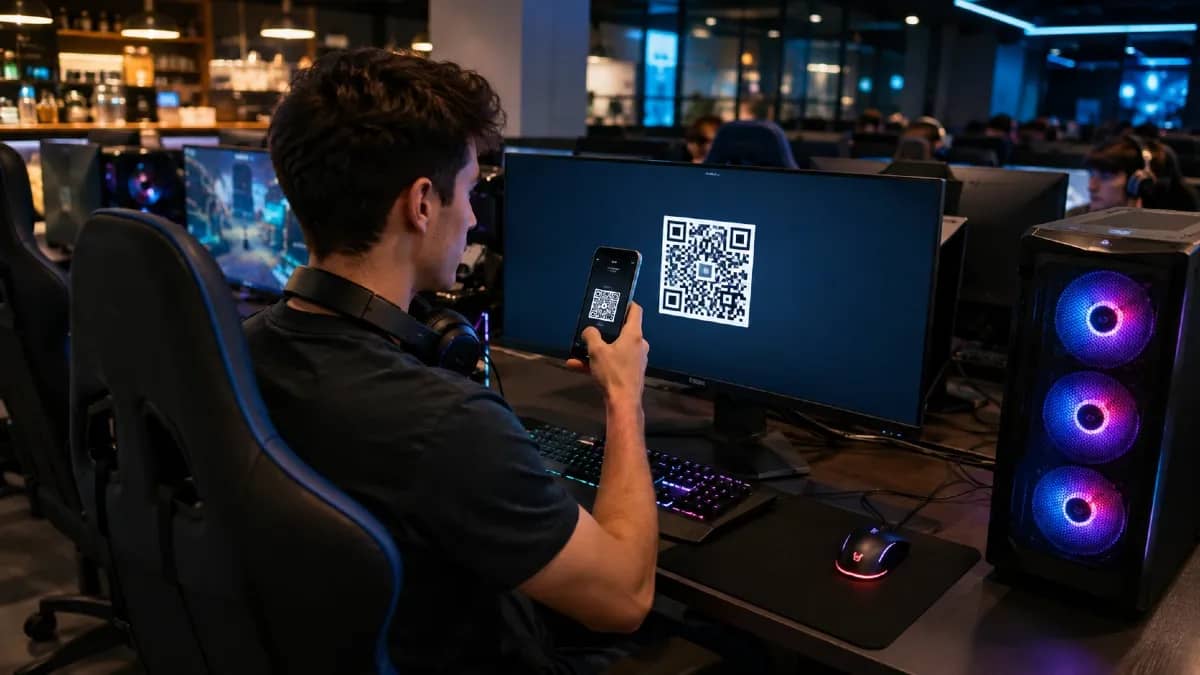
.svg)

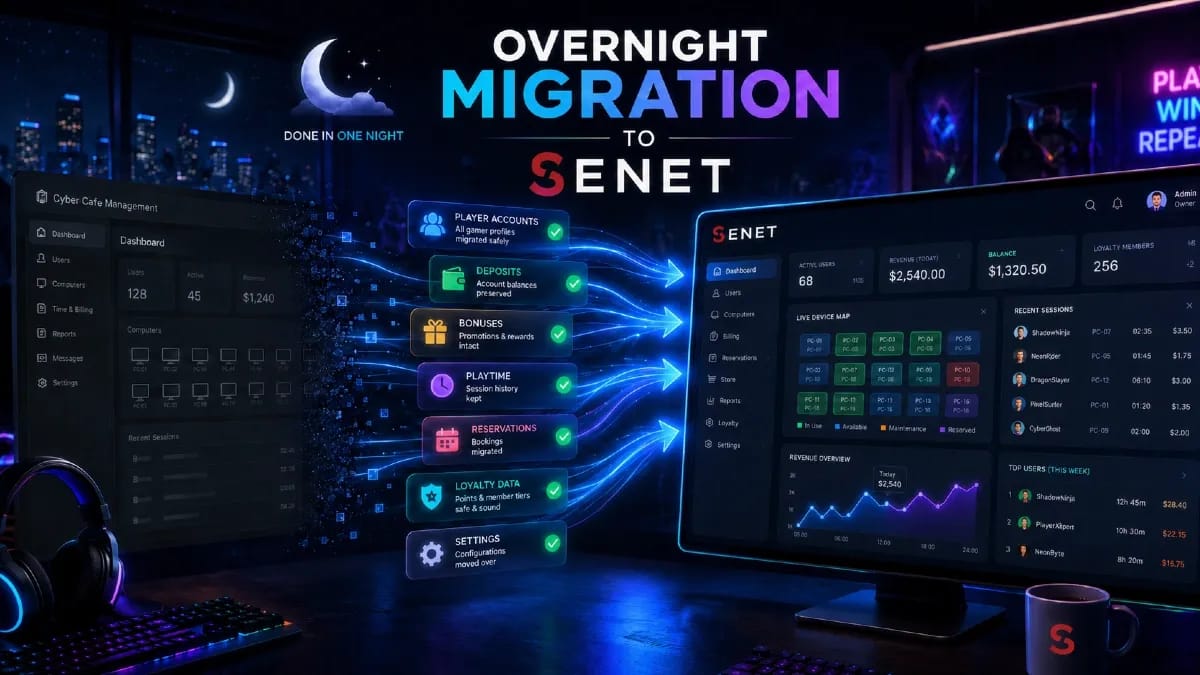
A gaming center can move to SENET without sacrificing a full business day. Until closing time, the venue continues to operate under its current system while the SENET team validates the data and prepares the new setup. During an agreed overnight window, the final export, database migration, workstation connection, and control tests are completed. By opening time, the administrator starts the next shift in SENET.
This guide explains how the software transition is organized, what enables a fast migration, which factors affect the schedule, and what SENET offers to cyber cafes, gaming lounges, and esports arenas switching from another management platform.
What “migration without downtime” actually means
Migration without downtime does not mean that every task is completed in a few hours. It means the venue does not lose a full operating day or have to cancel bookings for the following day.
The project is split into preparation and a technical cutover window. Before closing, the team configures the venue, checks the data, and agrees on the launch scenario. After closing, only time-sensitive steps remain: the final export, import of the current database, workstation cutover, and control tests.
Where a gaming center software migration starts
Before choosing the cutover date and time, the team documents how the venue operates today. The manager confirms the number of PCs and gaming zones, pricing structure, payment methods, staff roles, network setup, and any specifics of the current platform. For a multi-location business, the rollout order is planned as well.
This information becomes the basis of the software migration plan: what SENET will configure, which data the venue must provide, who will be available during the overnight launch, and which control scenarios define a successful handover. The cutover can be aligned with the end of the current subscription, but database and configuration preparation should begin earlier.
If SENET Boot is being introduced at the same time, the hardware environment is reviewed separately. The server, network, and client PCs must meet the requirements for diskless boot. For a detailed explanation of how it works and where it adds value, see our guide to the SENET Boot diskless system.
What to prepare before the switch

Most of the work is completed while the gaming center is still operating. Before the technical window, the team can configure customer accounts, venue structure, rates and packages, administrator permissions, gaming zones, and payment methods.
To keep the move to SENET on schedule, the venue needs to complete a few organizational steps:
- appoint one person to coordinate with SENET;
- provide the data export on time and address any issues identified in the file;
- confirm rates, zones, staff access levels, and the payment workflow;
- provide remote access to the workstations and network during the technical window;
- review the training materials with the administrators;
- keep a team member available who understands the venue’s current configuration.
For a large esports arena or a gaming center chain, the checklist may be broader, and the rollout can be phased. One location is migrated first, then the remaining venues follow an agreed schedule based on the pilot launch.
Payment settings should also be completed before the cutover, so the overnight team can test an approved checkout and balance top-up workflow rather than designing it during launch.
Why the customer database is checked before migration
For the database migration, the customer provides a CSV file containing the data required by the new platform. As soon as the file arrives, specialists validate its structure: field names and order, value formats, required records, and potential errors.
If the file meets the import requirements, it is passed to the team responsible for the migration. We process this request within 1–3 business days because it enters the general support queue. The technical import of a verified database typically takes 2–4 hours.
If the export contains missing fields, invalid formats, or other inconsistencies, the team explains what needs clarification or correction. The updated file is checked again before the cutover is scheduled. This reduces the risk of account or balance discrepancies when the venue opens in the new system.
A separate guide explains which data can be included in a gaming center database migration.
What can delay the final cutover
The schedule may change if the source data or infrastructure is not ready for the technical window. Additional preparation is usually required when:
- the export from the previous system is incomplete or does not match the agreed structure;
- the venue uses complex custom rates that do not have a direct equivalent;
- staff roles, access rights, payment methods, or gaming-zone logic have not been approved;
- the workstations or network require separate technical work;
- SENET Boot is launching at the same time, but the server infrastructure is not ready.
In these cases, the team can reschedule the cutover window and correct the data or infrastructure first. The migration team will report any issue that affects the schedule and explain the next required step, rather than attempting a launch on an unverified setup.
What happens during the overnight cutover
The exact sequence depends on the venue configuration, but a typical overnight migration follows this process:
- The gaming center completes its regular shift. After closing, the final changes are recorded in the old system, and the latest export is prepared.
- The migration team imports the approved data and reconciles the control totals.
- SENET is connected to the server environment, workstations, and gaming zones; the prepared rates and permissions are applied.
- Core scenarios are tested: administrator login, customer login, balance display, session start and completion, rate calculation, booking, and available payment methods.
- After the control check, the venue receives confirmation that it can open in the new system.
The SENET team is responsible for validating and importing the data, configuring the platform, and supporting the launch. The venue provides an authorized contact who can supply the required information and remote access, clarify local setup details, and confirm that the system works correctly after the transition.
Once the import is complete, the customer receives confirmation that the migration was completed successfully.
What happens on the next business day
The administrator opens the shift on the usual schedule. Customers can sign in, book stations, and make payments through SENET. At the start of operations, the team and the venue representative verify the main workflows and confirm that the configuration is correct.
If questions arise during the first shift or a setting needs adjustment, SENET specialists help resolve it. After launch, the venue moves to standard 24/7 technical support.
How to switch to SENET
Our team will review the specifics of your gaming center, answer questions about the software migration, and explain how to prepare for launch. You can discuss the venue format, current management software, database structure, and technical requirements with a manager before committing to a cutover date.
Special migration terms are available for venues switching from another gaming center management platform.
- 3 months of SENET free — for venues using local-disk workstations;
- 6 months of SENET free — for venues using a diskless system;
- Priority support during the first 90 days.
Submit a request to discuss the transition and find out which migration terms apply to your gaming center, cyber cafe, or esports arena.
Get a software migration plan for my venue →