.svg)
How to Choose Gaming Center Software

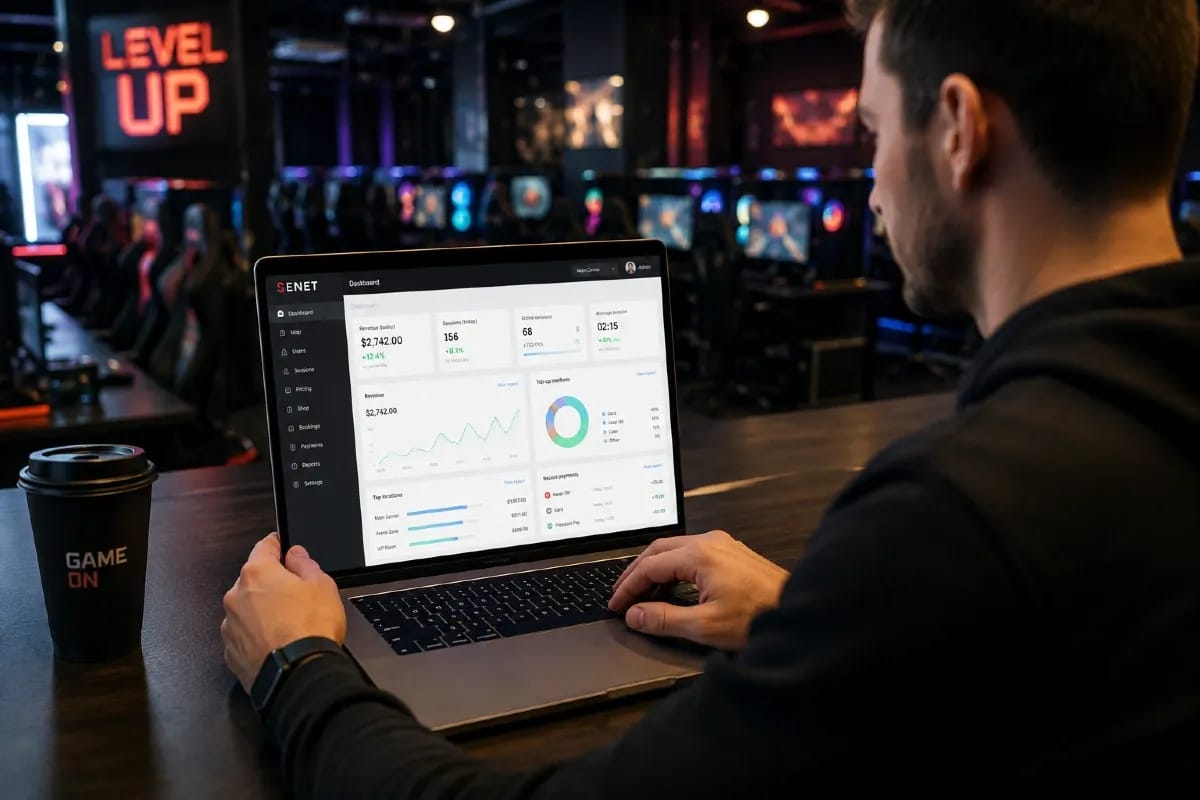
Your management software is the operating core of a gaming center. It decides how you charge for time, take payments, keep machines updated, and see whether the business is actually making money.
Pick the wrong one and you feel it every shift; pick well and most of the floor runs itself.
This guide walks you through choosing gaming center software by the criteria that matter, so you can judge any option — including the one you already use — against your own gaming center.
What is gaming center software?
Gaming center software (also called internet cafe management software or a gaming center "shell") is the system that controls gaming stations, charges for play, takes payments, and reports on the money.
In practice, it locks and unlocks PCs and consoles, runs your pricing and time tracking, connects payment methods, keeps games updated, and gives the owner a live view of revenue.
Everything else is a variation on those jobs. A small gaming cafe might only need timing and billing; a growing venue may also want bookings, a loyalty balance, console and VR support, and reporting across several locations.
Knowing which of these you truly need is the first real step in choosing.
Start by defining what your gaming center actually needs
Before comparing features, write down how your specific venue works. The right software is the one that fits your floor, your devices, and your team — not the one with the longest feature list.
Answer a short set of questions about your own operation first:
- How many stations do you run, and do you plan to add more or open a second location?
- Do you offer only PCs, or also consoles and VR that need the same management?
- Who runs the floor — trained admins, or part-time staff who need something simple?
- What is your budget, and do you prefer a monthly subscription or a one-time cost?
- Which of your current processes — pricing, bonuses, shifts — must the new system keep?
With those answers in hand, every criterion below becomes a practical fit check rather than an abstract feature comparison.
The key criteria for choosing gaming center software
Most buying decisions come down to three things: how the software runs the floor, how much control it gives the owner, and how difficult it is to maintain.
The eight criteria below help you evaluate each of those areas before comparing specific products.
1. Day-to-day operations
Billing and time tracking
Billing is the one feature every gaming center uses every hour, so it has to be flexible and reliable.
Look for pricing you can shape around your business: hourly rates, prepaid packages, happy-hour tariffs, and different rates by zone or device. The system should track every session accurately from start to finish and never leave an admin guessing what a guest owes.
Payments and integrations
Payment handling decides how easily guests can pay and how cleanly that money reaches your reports.
A strong system lets guests top up a balance or pay at the station, then records the transaction automatically so staff do not have to re-enter it by hand.
Check which providers the software supports in your market and how top-ups are added to a guest's balance. This is where SENET payment systems connect card acquiring and wallets directly with the venue's balance and reporting.
PCs, consoles, VR, and game updates
A good platform should manage different device types from one place and keep games current without manual work on every machine.
Updating titles station by station is one of the biggest time sinks in a busy gaming center, so centralized updates matter more than they may first appear.
Ask how the system handles consoles and VR alongside PCs. Also check how game and OS updates are deployed. Some platforms use diskless boot with SENET Boot, so every machine starts from one clean image instead of being maintained individually.
Bookings and guest self-service
Booking and self-service features can turn a busy weekend from chaos into a queue that largely manages itself.
Check whether guests can reserve a seat, top up their balance, and view account information without relying on an administrator. Systems that offer a guest mobile app let players handle bookings and payments themselves, freeing staff to focus on running the floor.
2. Business control
Financial analytics and reporting
Reporting should help you answer business questions, not simply show more charts.
At minimum, you should be able to see revenue, top-up trends, average spend, and shift results without rebuilding the data manually in a spreadsheet. Owners of multi-site venues should also confirm that every location can be monitored from one view.
Security and data ownership
Your venue's data — guest accounts, balances, and revenue history — is a business asset.
Confirm how that data is stored, who can access it, and whether it remains under your control. Most importantly, check whether you can export it if you ever decide to change systems.
Avoiding vendor lock-in is much easier to arrange before you sign up than after.
3. Infrastructure and vendor reliability
Cloud or local deployment
Check what infrastructure the software requires before comparing features.
A local setup may need dedicated hardware and on-site maintenance, while a cloud platform shifts much of that work to the provider. The difference affects initial cost, technical workload, remote access, and how easily you can manage multiple locations.
We compare the two approaches in more detail below.
Support, training, and updates
Support quality is easy to overlook until something goes wrong during a busy shift.
Ask how quickly support responds, which channels are available, and whether staff training is included before launch. Also look at how often the product is updated. Regular releases are a useful sign that the platform is still actively developed rather than being quietly left behind.
Cloud or local — which setup to choose

For most new gaming centers, a cloud system is the simpler option, while a local server tends to make sense only in more specific situations.
A cloud platform is accessed over the internet and maintained by the vendor. A local system runs on hardware you own and manage yourself. The main trade-off is who carries the technical burden.
Cloud system | Local server | |
|---|---|---|
Upfront cost | Low, usually subscription | Higher, hardware plus setup |
Maintenance | Handled by the vendor | Your responsibility |
Access | From anywhere, any location | Mostly on-site |
Multi-location | Built in | More complex to link |
Reliability | Depends on your internet | Depends on your hardware |
If you run a single room and have strong technical expertise on-site, a local server can work.
For venues planning to scale — especially those expecting to open a second location — a cloud system removes much of the maintenance burden and makes multi-site management easier.
Common mistakes when choosing gaming center software
The most expensive problems often start with decisions that look harmless during the initial comparison.
Choosing on price alone. Cheap software can become expensive if it increases admin work, creates manual processes, or leaves you without reliable support.
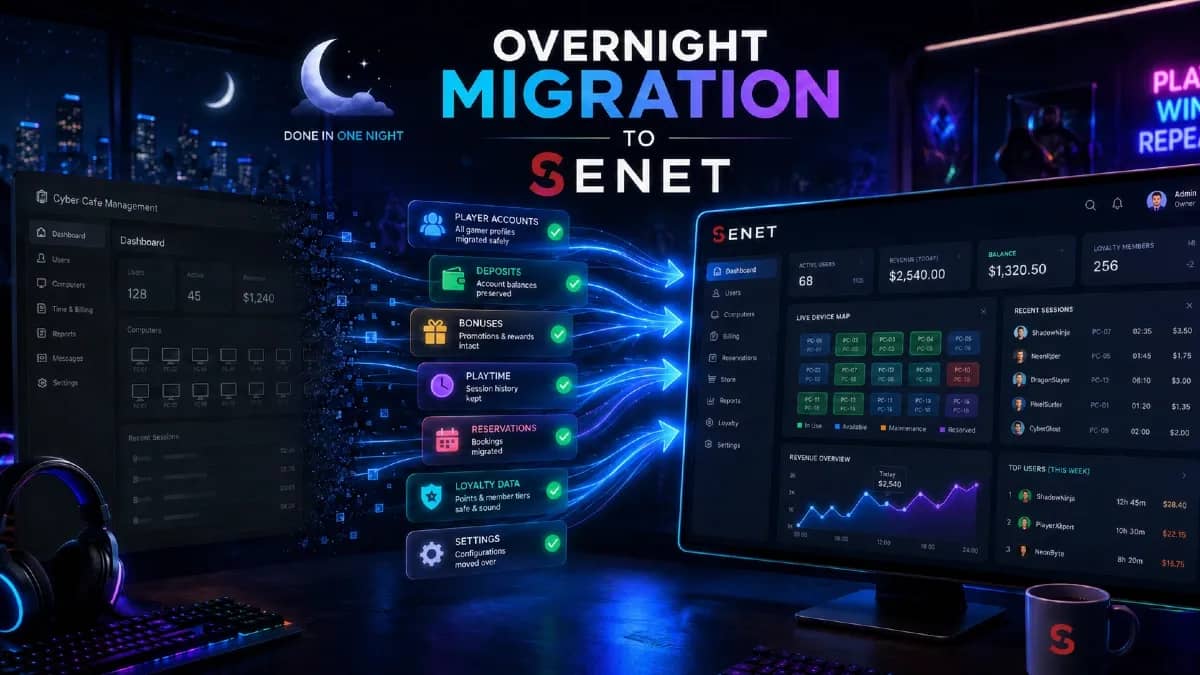
Ignoring migration. Before committing, confirm whether guest accounts, balances, pricing, and other essential data can be transferred from your current system.
Accepting vendor lock-in. Make sure you can export your data again if you decide to switch providers in the future.
Support quality and update frequency matter too. They often determine how the platform performs six months after launch, not just how attractive it looks during the demo.
How to test software before you switch
The safest way to choose software is to test it against the way your gaming center actually operates.
A useful trial should let you do more than click through a demo. Before committing, check whether you can:
- configure your actual tariffs, packages, and zones;
- process the payment methods you use;
- manage the device types on your floor;
- transfer guest accounts and balances;
- train staff before go-live.
Migration deserves particular attention. Ask what the switch itself looks like, which data the vendor can transfer, and whether the process requires you to close the venue.
Vendors that take migration seriously can prepare the move in advance, transfer the required data at an agreed time, and train the team before launch. That is how you can switch to SENET without closing your gaming center: the database, deposits, and tariffs are transferred so the venue can continue operating on the new system.
What to look for in your region
Local fit matters as much as features because payments and receipt requirements differ from market to market.
Confirm that the software supports the payment methods your guests actually use. Depending on the market, that may include major card-acquiring providers, digital wallets, or point-of-sale solutions.
Also check how payment data reaches your accounting or cash-register system. The management platform should record each payment accurately and pass the relevant data to the systems responsible for receipts or fiscal requirements in your market.
The goal is to avoid duplicate entry while keeping payment records consistent across the venue.
Where SENET fits
SENET brings the core criteria above into a single cloud platform. It supports flexible billing and time tracking, integrated payments, management of PCs, consoles, and VR, automatic game updates, guest bookings through a mobile app, and financial analytics across multiple locations.
Support and migration are part of the setup process as well. The SENET team trains staff before launch and can migrate the database, deposits, and tariffs so the club can move to the new system without losing a full trading day.
![Top 10 Internet Cafe Software [2026] – Full Guide & Comparison](/_next/image?url=%2Fapi%2Fmedia%2Ffile%2FTop%252010%2520Internet%2520Cafe%2520Software%2520%255B2025%255D%2520%25E2%2580%2593%2520Full%2520Guide%2520%2526%2520Comparison.png&w=1920&q=70)